Access and Installation
The exam access details and required credentials are sent by email. Keep these details available before starting the exam.
- Exam access code or access token, as provided for the exam.
- Candidate last name and candidate ID, when requested by the ProV exam login.
- ExamLock installed before starting the examination.
Note: ExamLock is a dedicated browser designed specifically for exam use. It is available for Windows and macOS.
Install ExamLock on Windows
On a Windows system, ExamLock can be installed from the Microsoft Store.
Follow these steps to install ExamLock from the Microsoft Store.
- Download the ExamLock Installation file.
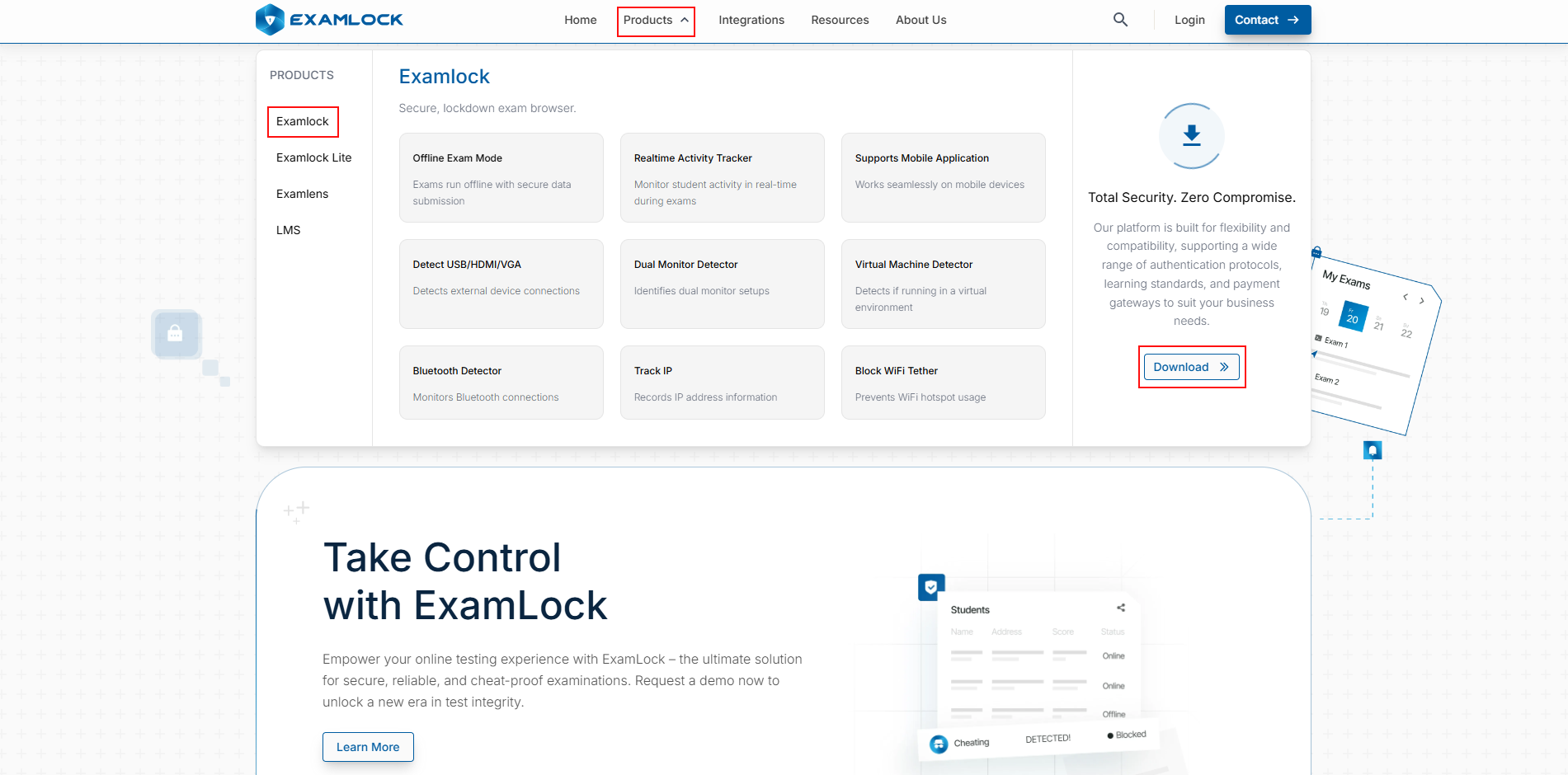
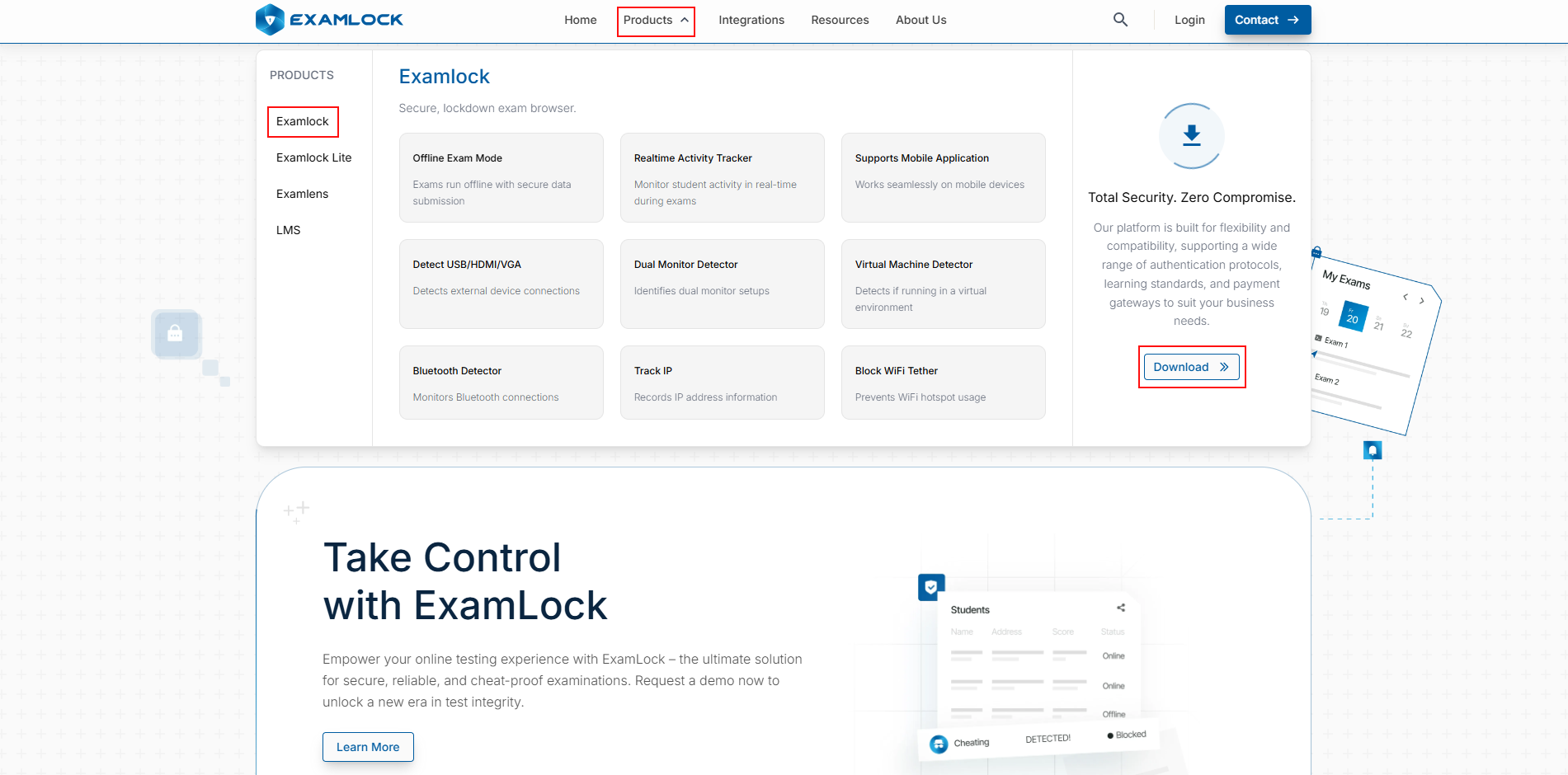
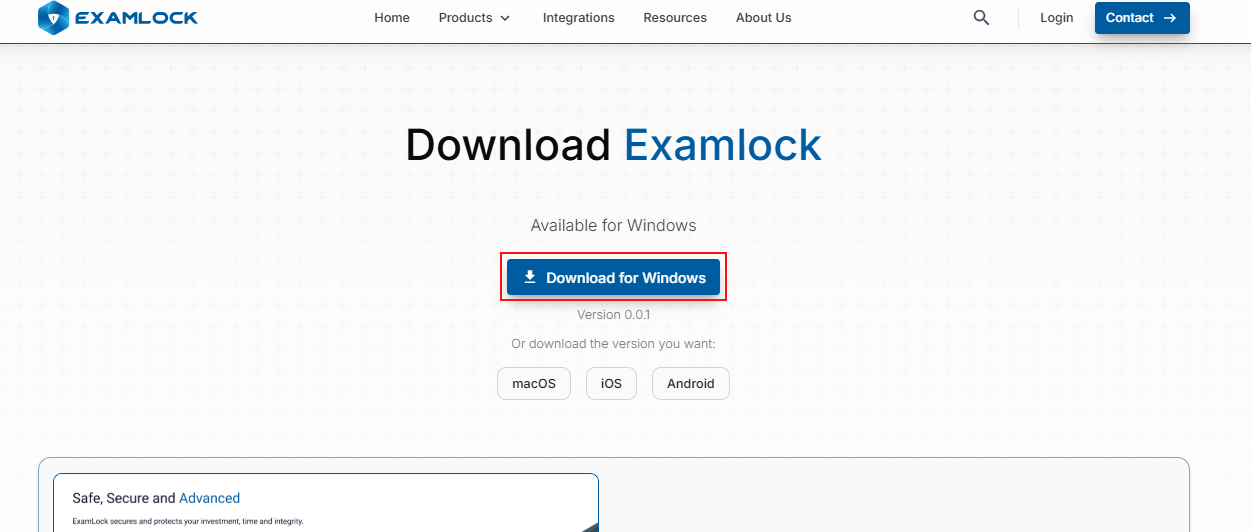
- Navigate to the ExamLock.io website. In the top banner, select Products, and under the ExamLock section, select the Download button.
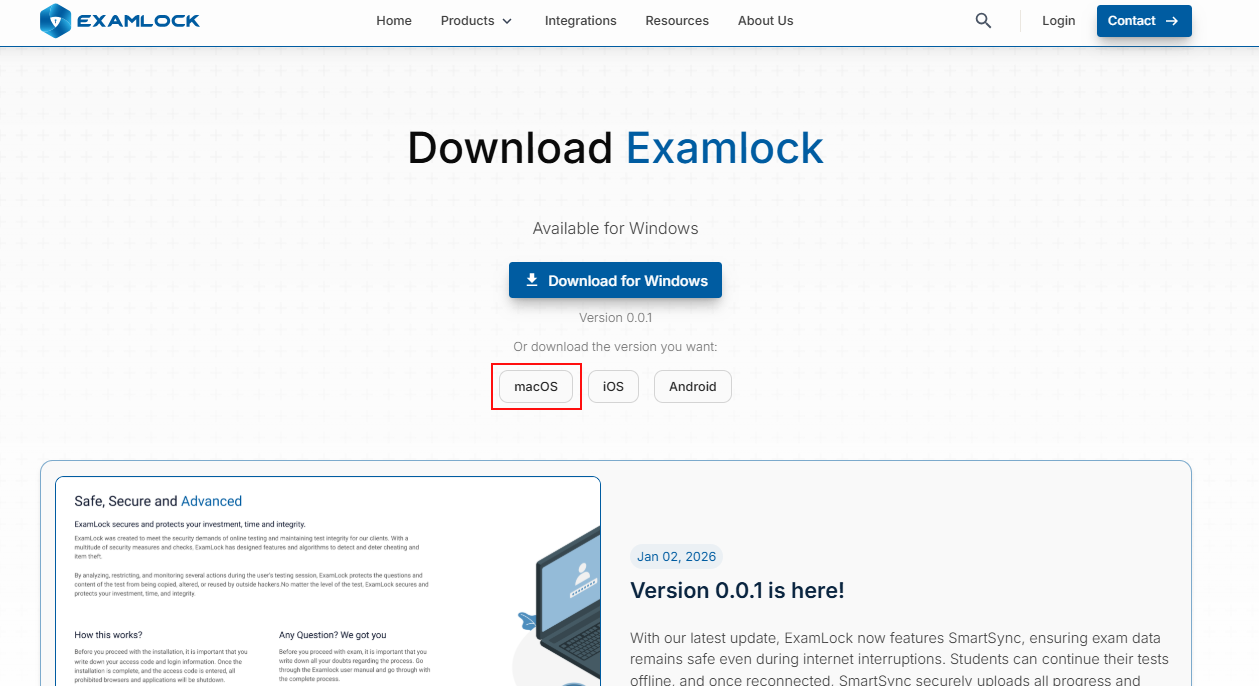
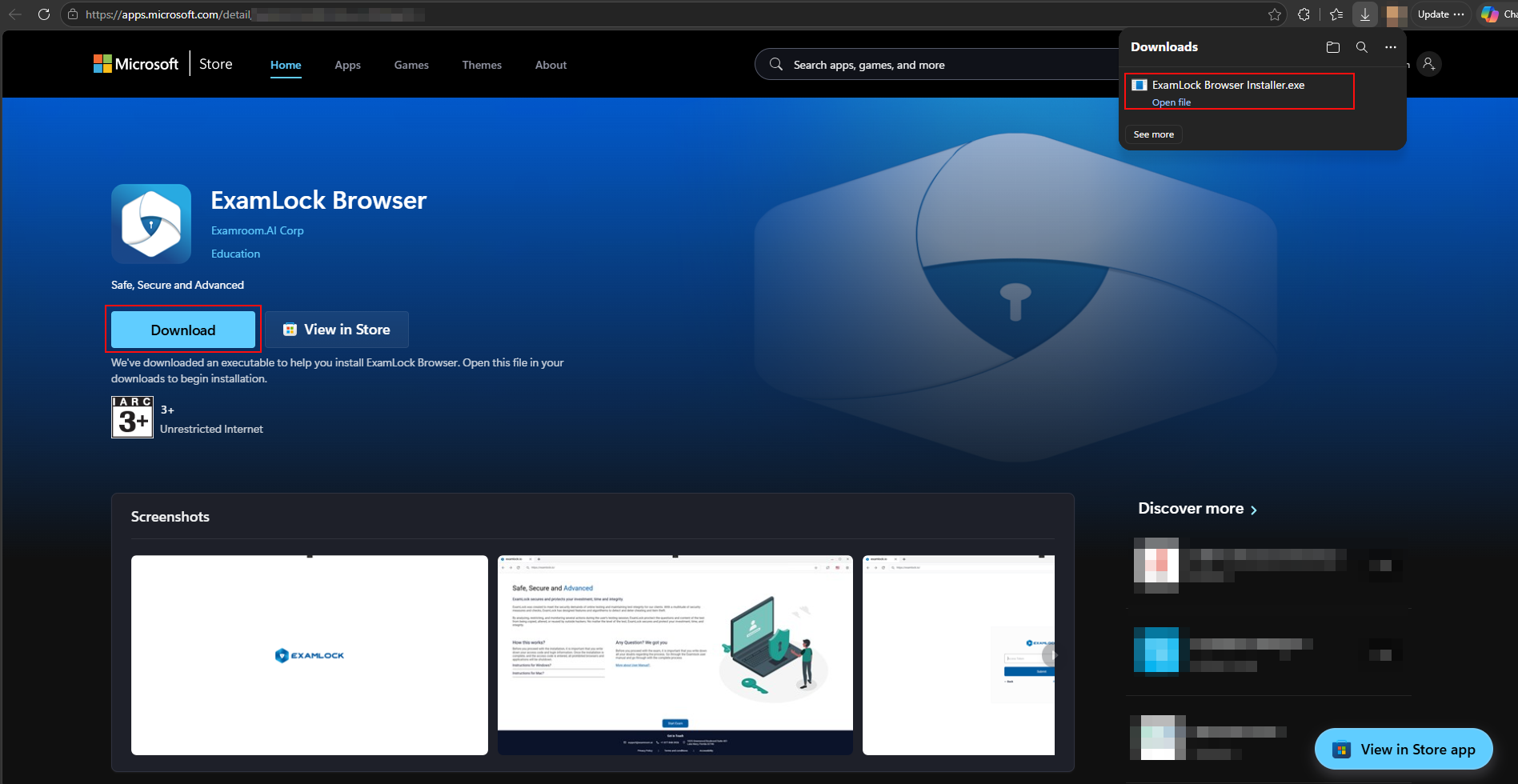
- Select Download for Windows to download ExamLock Browser from the Microsoft Store.
- Select Download to download an installation file to your local device. After downloading, install the ExamLock browser on the Windows device you want to use to take the exam.
- Navigate to the ExamLock.io website. In the top banner, select Products, and under the ExamLock section, select the Download button.
- Or download and install it from the Microsoft Store app.
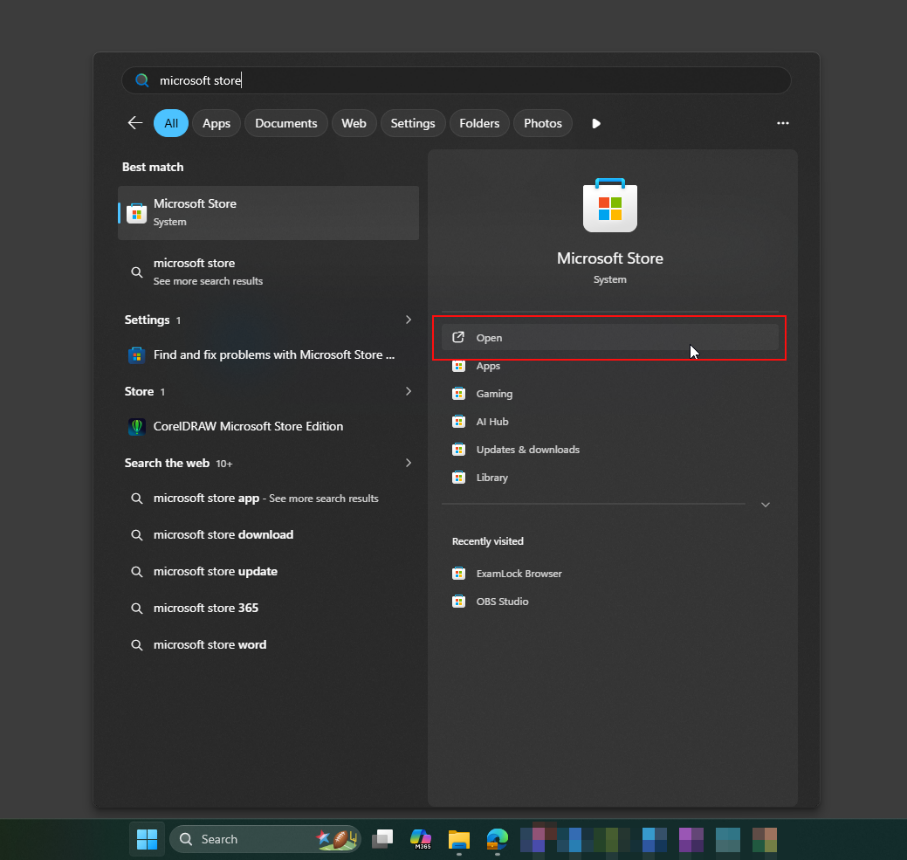
- Open the Windows Search box on your Windows device.
- Enter Microsoft Store.
- Select Microsoft Store from the search results.
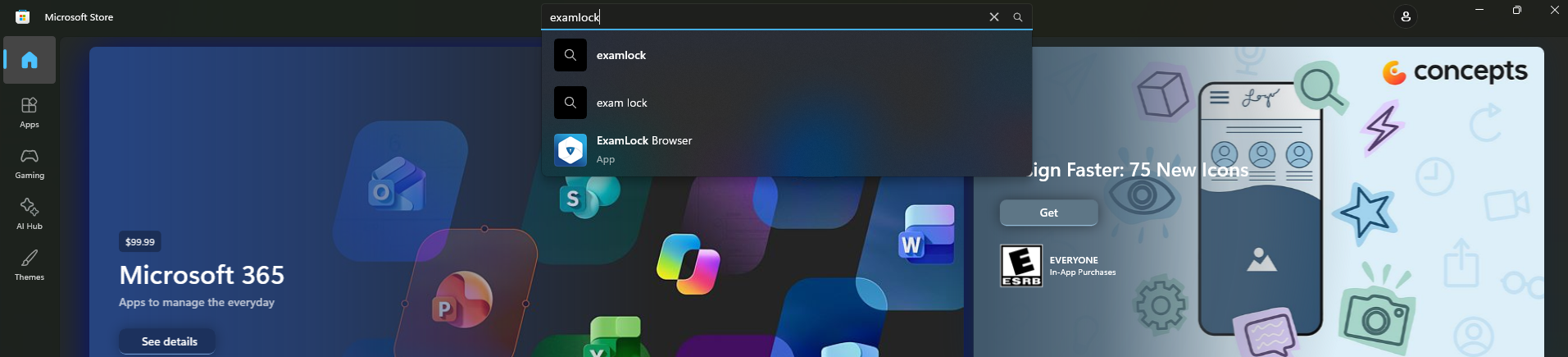
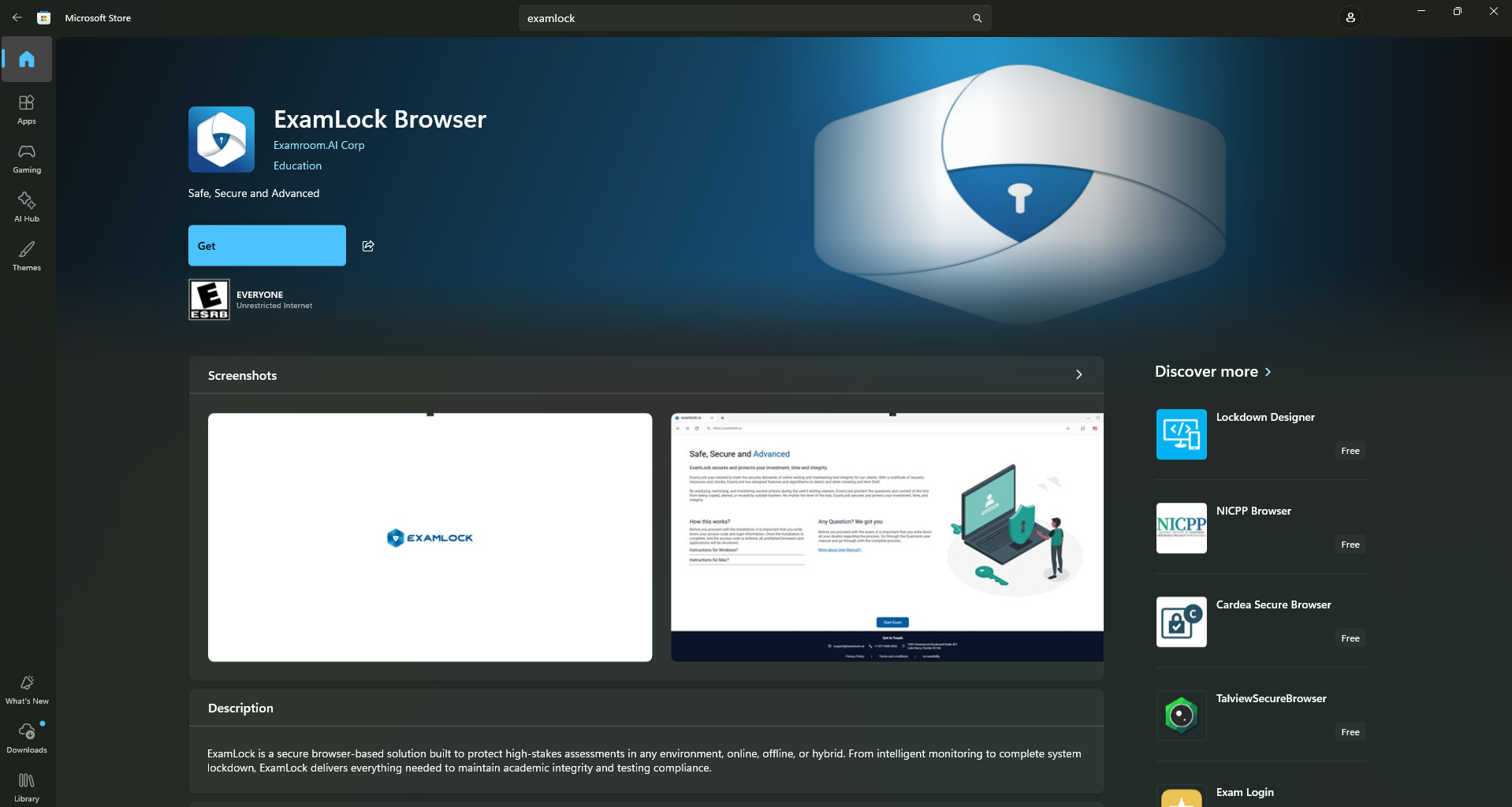
- In Microsoft Store, select the search box.
- Enter ExamLock and select ExamLock Browser from the search results.
- On the ExamLock Browser page, select Get.
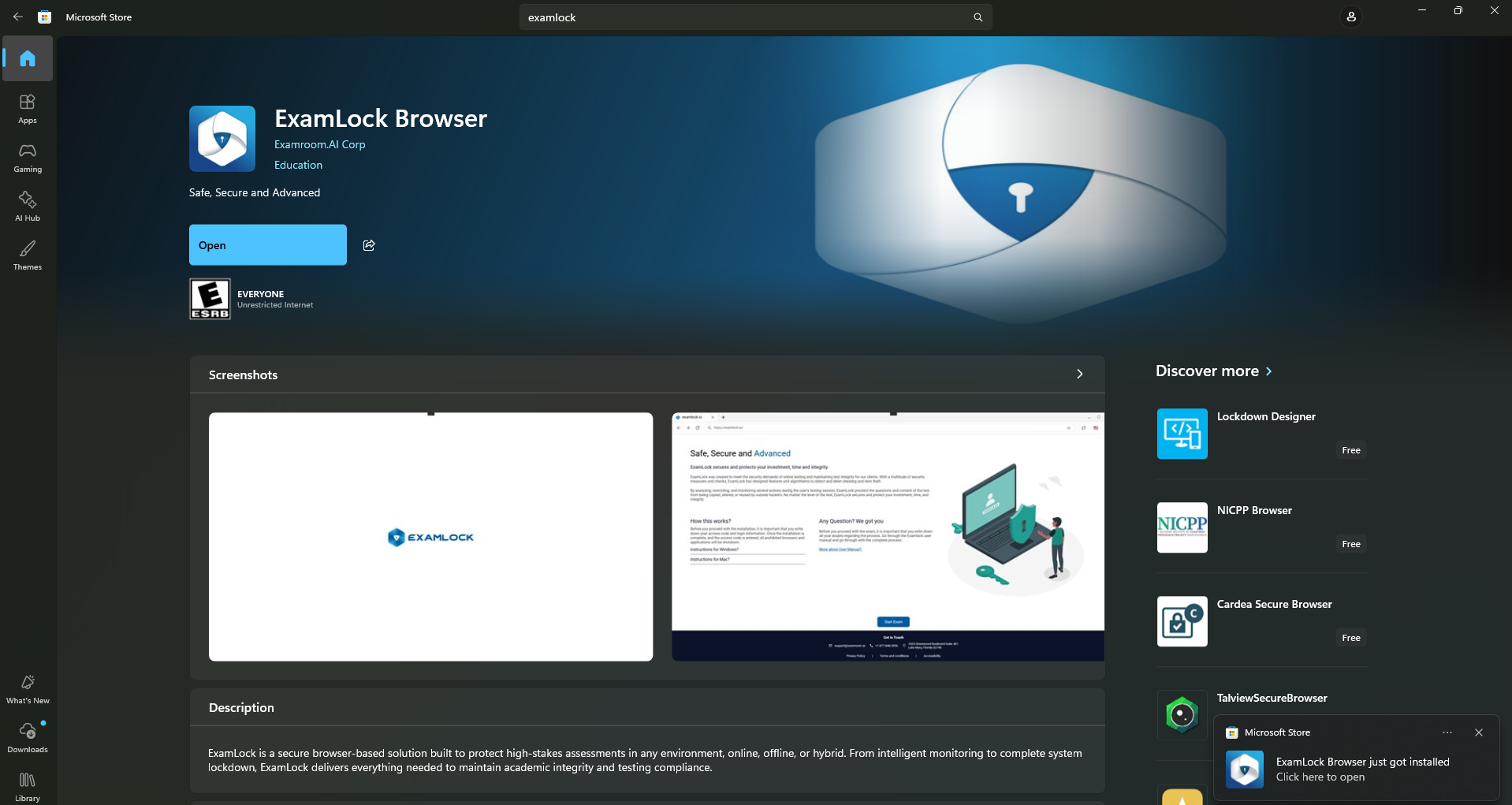
- Wait for the installation to be completed.
- Wait for the installation to be completed.
- After installation, select Open.
- You can also open ExamLock later from the Windows Start menu.
- You can also open ExamLock later from the Windows Start menu.
Install ExamLock on macOS
- Navigate to the ExamLock.io website. In the top banner, select Products, then under the ExamLock section, select Download.
- Select macOS to download ExamLock Browser from the App Store.
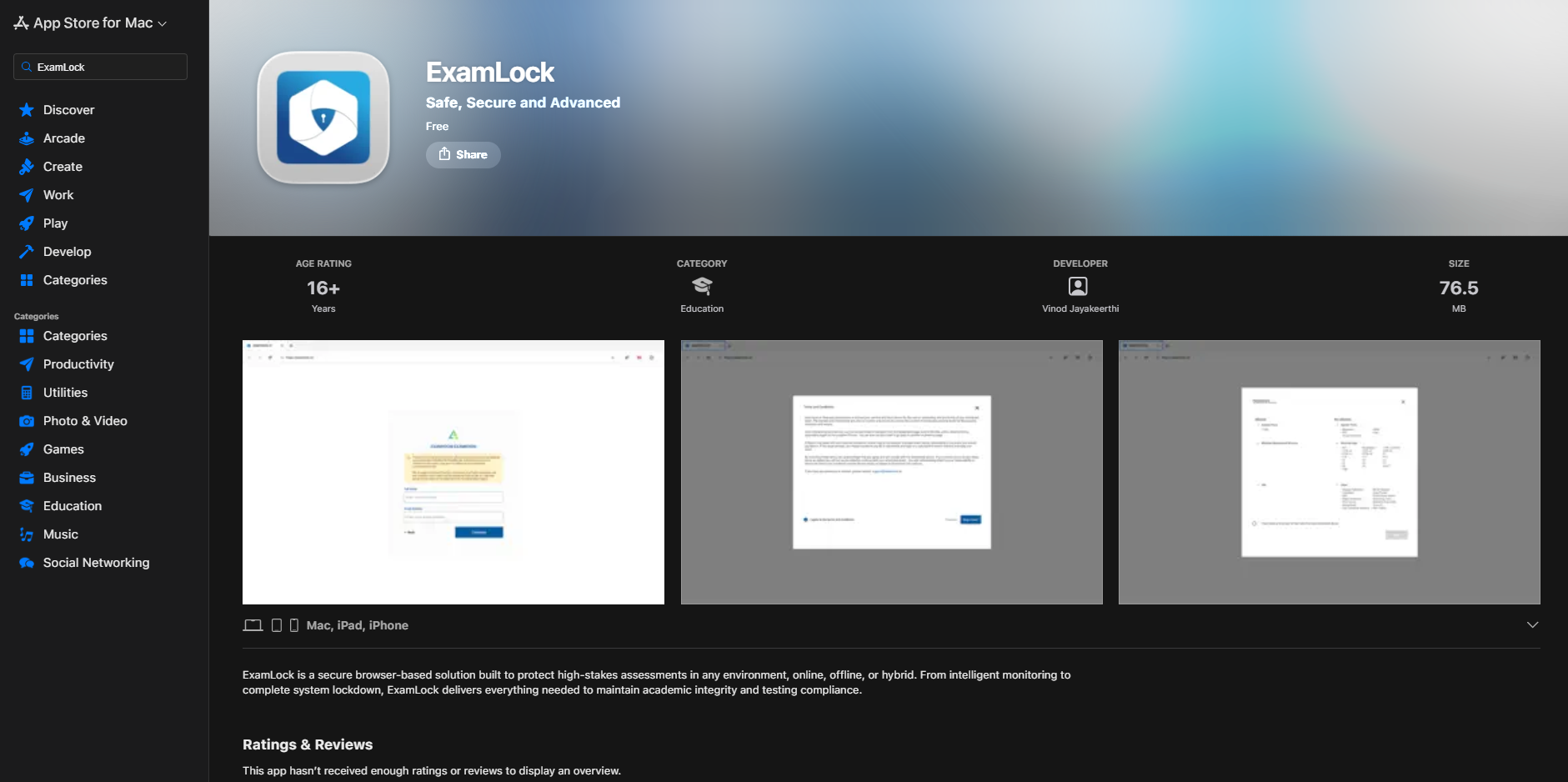
- Select Get to download and install ExamLock Browser on the Apple (macOS) device you want to use to take the exam.