
Submit and View Results
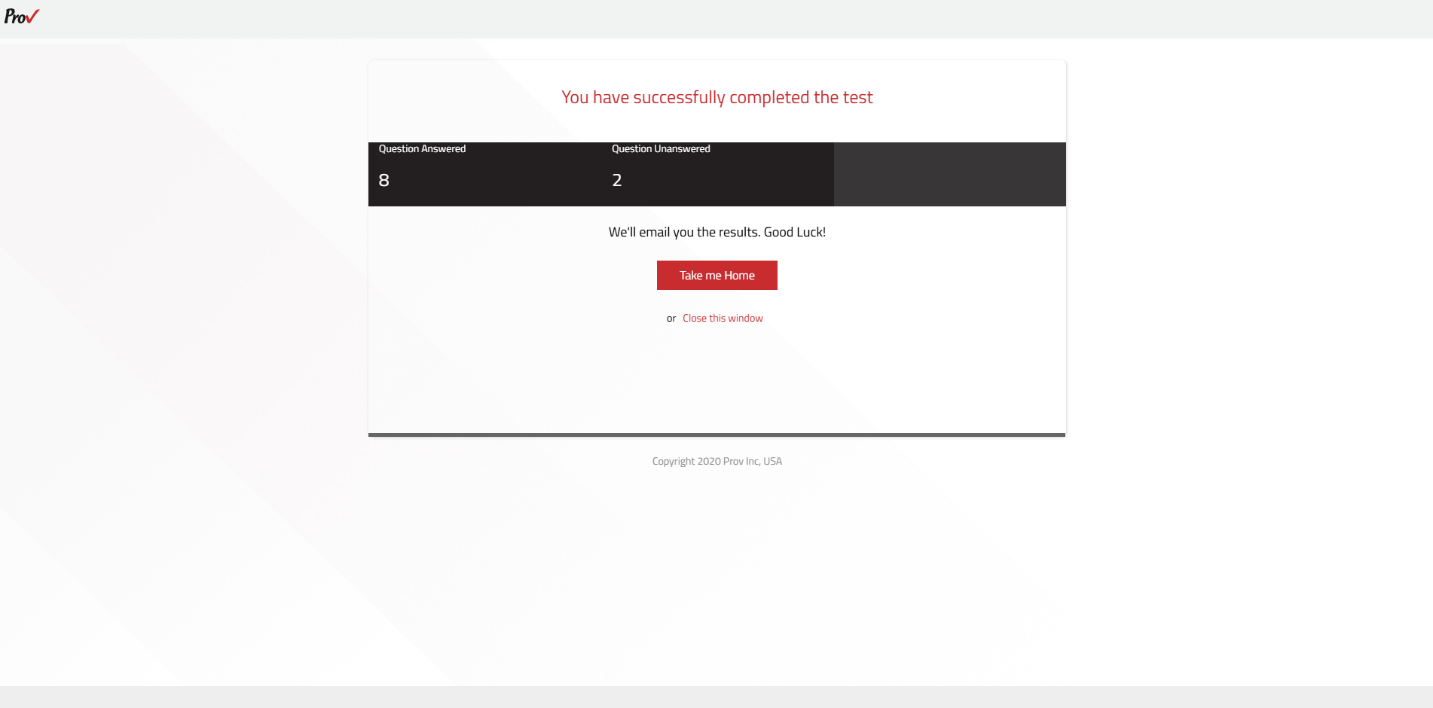
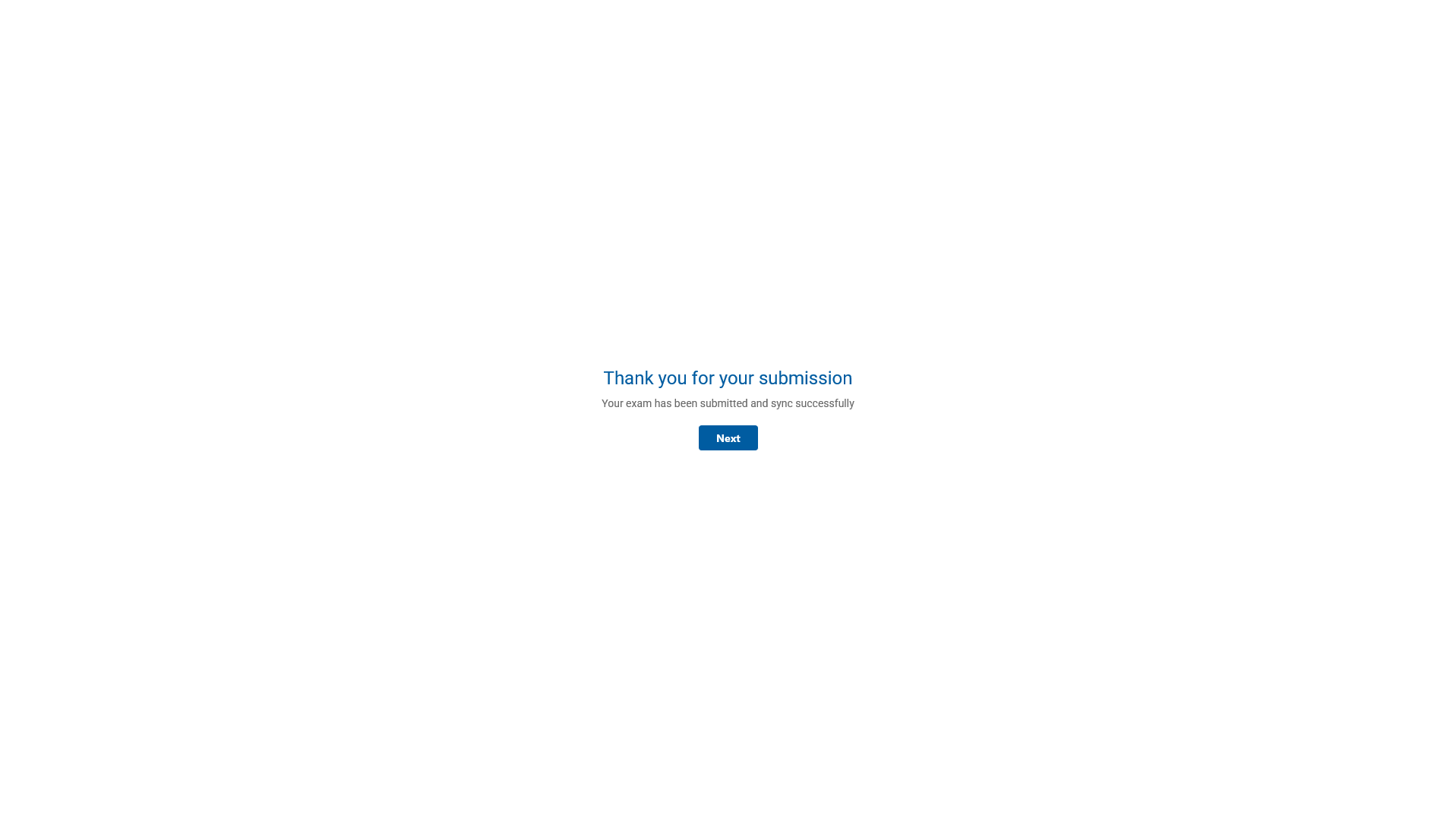
After submission, a completion screen confirms that the exam has been submitted and synced successfully.
- The test completion screen may display the Exam Result or indicate how results will be provided, depending on the exam type.
- If the submission confirmation appears, select Next and close the ExamLock Browser or follow the displayed completion instructions.
Note: Once you submit the exam, the browser's activated exam mode will be disabled automatically, and you can close the browser.